
01
Upload WebM
Choose a source WebM and review its duration, dimensions, and visible subject. An ordinary WebM input can still have a fully opaque background.
To make a transparent WebM, upload your video, choose Transparent, and preview the background removal before processing the complete clip. The result uses WebM with an alpha channel for supported browser overlays and website motion. WebM alone does not guarantee transparency, and editor support varies: check your destination before purchasing. A player showing black behind the subject may be displaying transparent pixels against black.
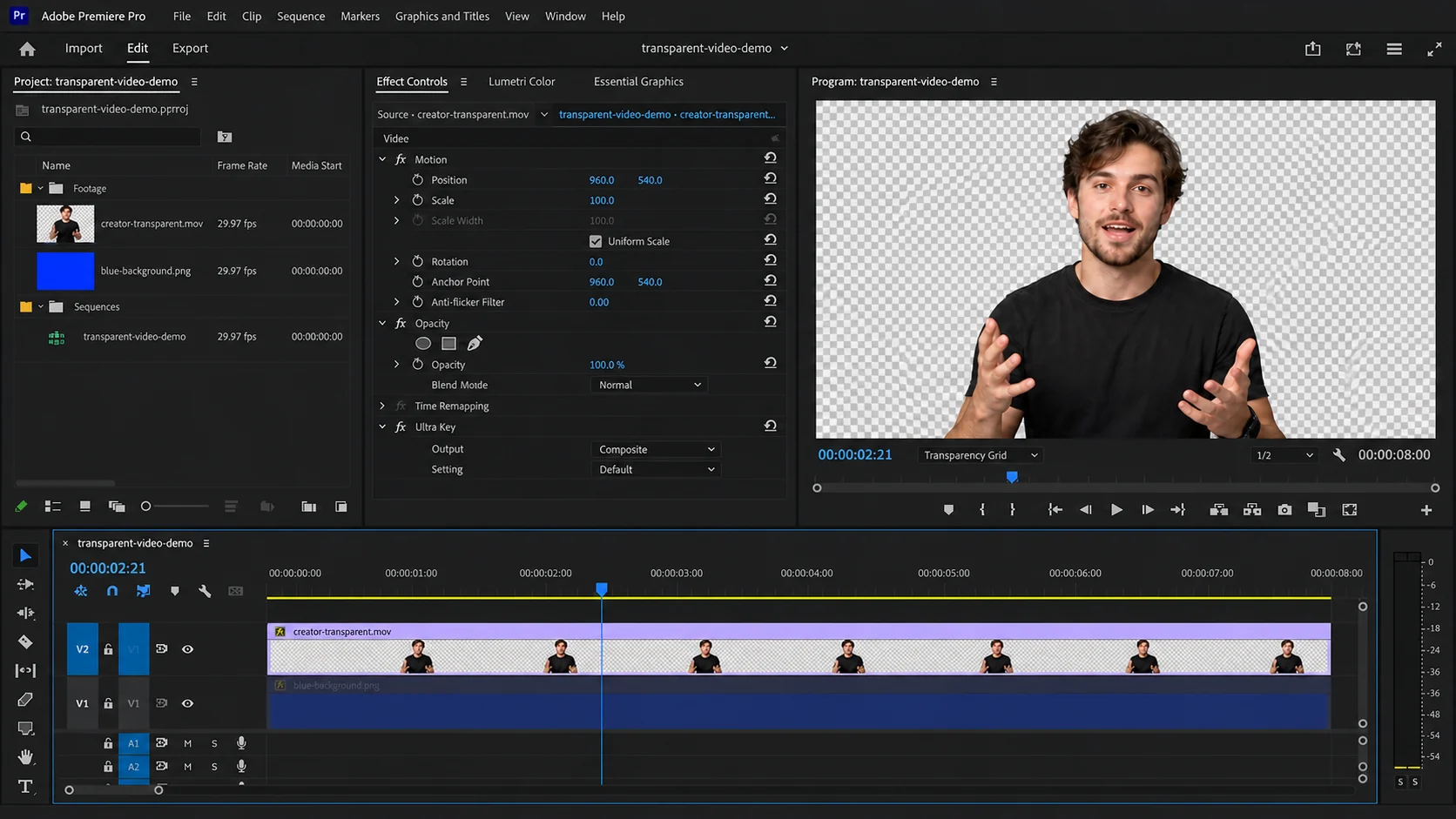
The source and output can share the WebM container, while segmentation creates the transparency that may not exist in the uploaded file.
Choose a source WebM and review its duration, dimensions, and visible subject. An ordinary WebM input can still have a fully opaque background.
AI follows the subject through the frames and turns the removed scene into transparent pixels rather than keying a single color.
Download an alpha-enabled WebM and test it in the browser, editor, overlay, or page component that will use it.
WebM is a media container designed around open web codecs. VP8 and VP9 are the two names most often encountered in existing WebM files. The container can participate in alpha-capable workflows, but the `.webm` extension alone does not prove that a file already contains transparency. Many WebM videos are completely opaque.
In this workflow, AI segmentation creates a foreground mask from the uploaded WebM and the transparent result is exported as WebM. That means WebM can be both the source and destination while serving a different purpose at each end: the input carries the original scene, and the output carries the isolated subject plus alpha.
Understand transparent video and alpha channels
A transparent WebM can place a presenter, character, product, or animated cue over live page content. Common uses include hero sections, onboarding callouts, product demonstrations, interface mascots, and overlays that need to respond to the layout beneath them.
For website use, size the visual to its actual display area and avoid shipping more resolution or duration than the page needs. Autoplay behavior usually works best with muted, inline video, while a poster or static fallback helps when playback is unavailable. Those delivery decisions are separate from the background-removal step but affect the final experience.
Standard MP4 video is widely accepted by social platforms, devices, and native applications, but common H.264 and H.265 MP4 workflows do not preserve transparent pixels. WebM is the transparent output used here because it fits browser-based alpha delivery more naturally.
If you only need a subject placed over one fixed image, a finished composited video may be simpler than transparent WebM. If the page, editor, or overlay system needs to choose the background later, keep the WebM alpha result and verify it in that destination.
GIF is convenient for short reaction loops and systems that expect an animated image, but its palette is limited and its transparency is binary. WebM can preserve richer color, smoother partially transparent edges, and more efficient video compression, which matters around hair, motion blur, shadows, and anti-aliased animation.
GIF may still be the correct delivery format for chat, stickers, documentation, or older publishing systems. For a website hero or overlay with soft edges, transparent WebM is usually the more capable asset. The choice should follow the receiving platform rather than the source extension.
Modern browser engines can play WebM, but codec and alpha behavior can vary by browser version, operating system, editor, and embedding method. A checkerboard in one preview is not enough evidence that every destination will composite the file correctly.
Place the exported WebM over light, dark, and saturated backgrounds. Check the first frame, fast motion, and the loop boundary if it repeats. Keep an alternate conventional video or still image when a critical destination cannot render the transparent asset.
Yes. WebM can be encoded with an alpha channel, although not every WebM file contains one. VideoCutout exports transparent mode as WebM with alpha.
For website overlays, color range, soft edges, and compression, usually yes. GIF remains useful for reaction loops, stickers, chat, and destinations that specifically expect an animated image.
Yes. WebM is accepted as an input, and transparent mode also returns WebM. The uploaded source does not need to contain transparency already.
WebM playback is common in modern browsers, but codec and alpha behavior still depend on browser and operating-system versions. Test the actual exported file in every browser important to your audience and provide a fallback when needed.
Both are video codecs used in WebM. VP9 is newer and often compresses more efficiently, while VP8 can remain useful for compatibility. The important delivery check is whether the final codec, alpha channel, and target browser work together.